19/10/2026 18:54
Where Is the Size Guide? Instagram Highlights for Cambodian Shoe Shops

A shopper notices a pair of shoes on Instagram, opens the shop’s profile, and cannot find the sizing explanation they remember seeing. They send a vague question or leave without asking. For a Cambodian shoe business, this is a practical information problem worth fixing before spending more on promotion. A focused Highlight can give visitors a reusable starting point for choosing a model and asking about fit. This workflow explains how to assemble that guide, separate it from changing stock information, test it with a colleague, and evaluate whether it supports clearer enquiries. Examples below are hypothetical, not reports of customer results.
1. Define the question your Highlight should resolve
Begin with one question: what information does a shopper need before the shop can discuss the size of a particular shoe? Avoid turning the first Highlight into a complete catalogue. A useful brief might be: help visitors identify the model, understand which sizing reference applies, and send the details staff need. That gives every included Story a clear job.
Consider a hypothetical Phnom Penh shop selling sandals and trainers from different suppliers. Its staff repeatedly receive messages saying only, “Do you have my size?” The missing information is the model and the sizing system the shopper means. The shop therefore starts with a sizing Highlight that explains those distinctions. It can still welcome simple questions; the guide should reduce confusion without making customers feel they must complete an application before receiving help.
2. Understand what a Highlight preserves
Meta describes Highlights as a way to keep selected Stories on a profile beyond their ordinary temporary display. Its official introduction also distinguishes Highlights from the private Stories Archive and explains that collections can be edited or deleted. This makes Highlights suitable for reusable guidance, provided the business maintains it. See [Meta’s introduction to Stories Highlights and Archive](https://about.fb.com/ja/news/2017/12/instagram_highlight_archive/amp/).
Treat the feature as a maintained collection rather than permanent storage for every announcement. Check the Highlight and archive controls available in the shop’s own app before preparing the collection; screen layouts can change. Keep original photos, videos and approved wording separately so the business can rebuild an explanation if necessary. A public guide should also stand on its own: someone who missed the original Story should understand the product context without having watched yesterday’s posts.
3. Separate lasting advice from changing availability
Sort proposed material into two groups. Reusable guidance explains how to identify a shoe model, which measurement a supplier’s chart expects, and how to ask for help. Changing information includes available colours, remaining sizes, prices and temporary collection arrangements. Mixing these groups creates an avoidable problem: a helpful sizing explanation can remain accurate while the stock promise beside it becomes outdated.
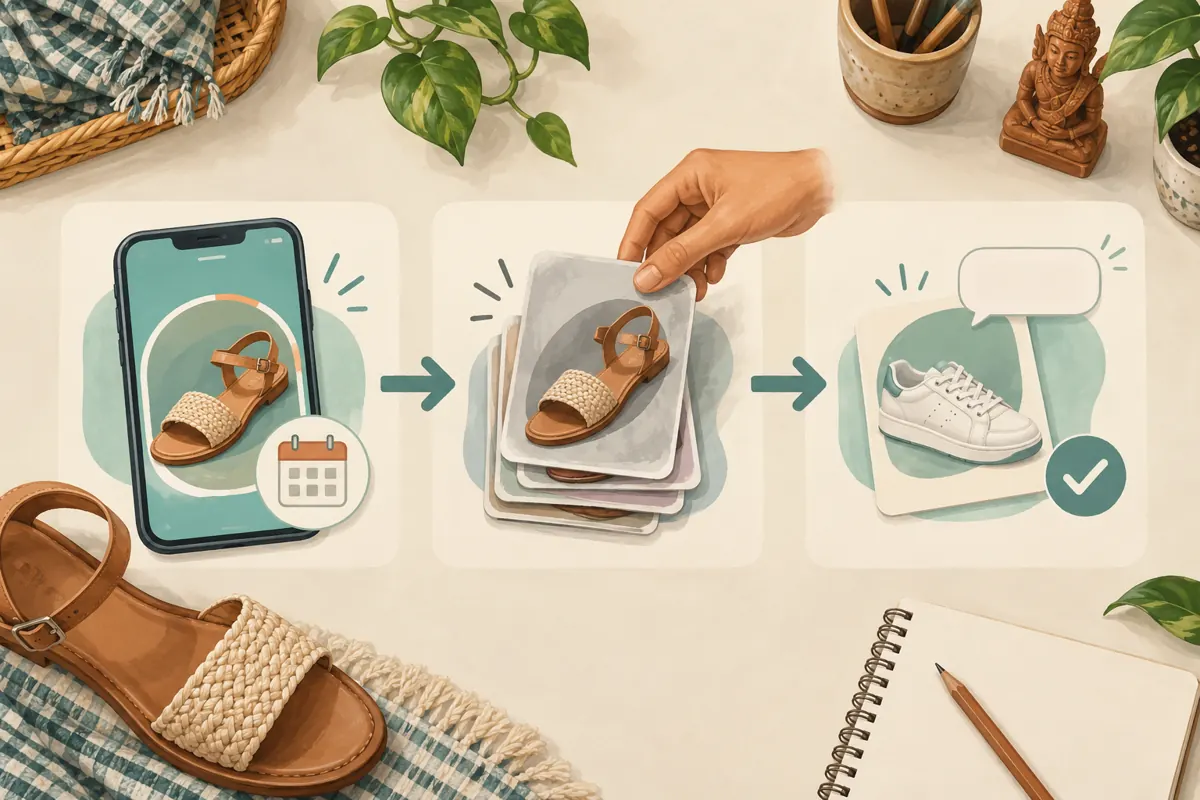
For the hypothetical shop, the sizing collection contains model identification and enquiry guidance. Availability is confirmed separately when someone asks. If the business includes a stock Story in another Highlight, it adds a clear date and assigns someone to review it. A date provides context but does not make stale information harmless. Remove an inaccurate availability statement when stock changes instead of assuming visitors will notice its age or read a correction elsewhere.
4. Build a short sequence around the actual shoes
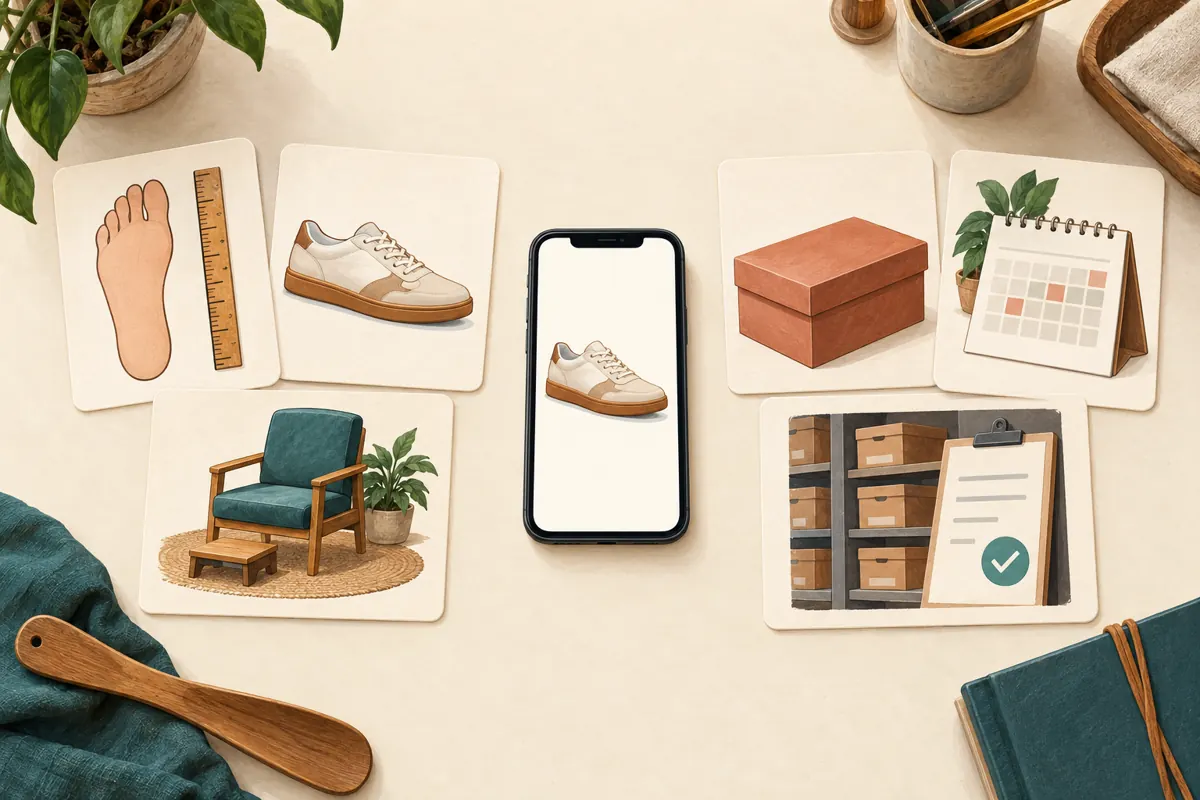
Plan a compact sequence on paper before filming. Start by explaining the guide’s purpose. Follow with a clear product image showing how the shop identifies models. Then explain the measurement or size reference used for that product, show where its verified chart comes from, and finish with the details to send in an enquiry. These are suggested editorial steps, not a required number of Instagram frames.
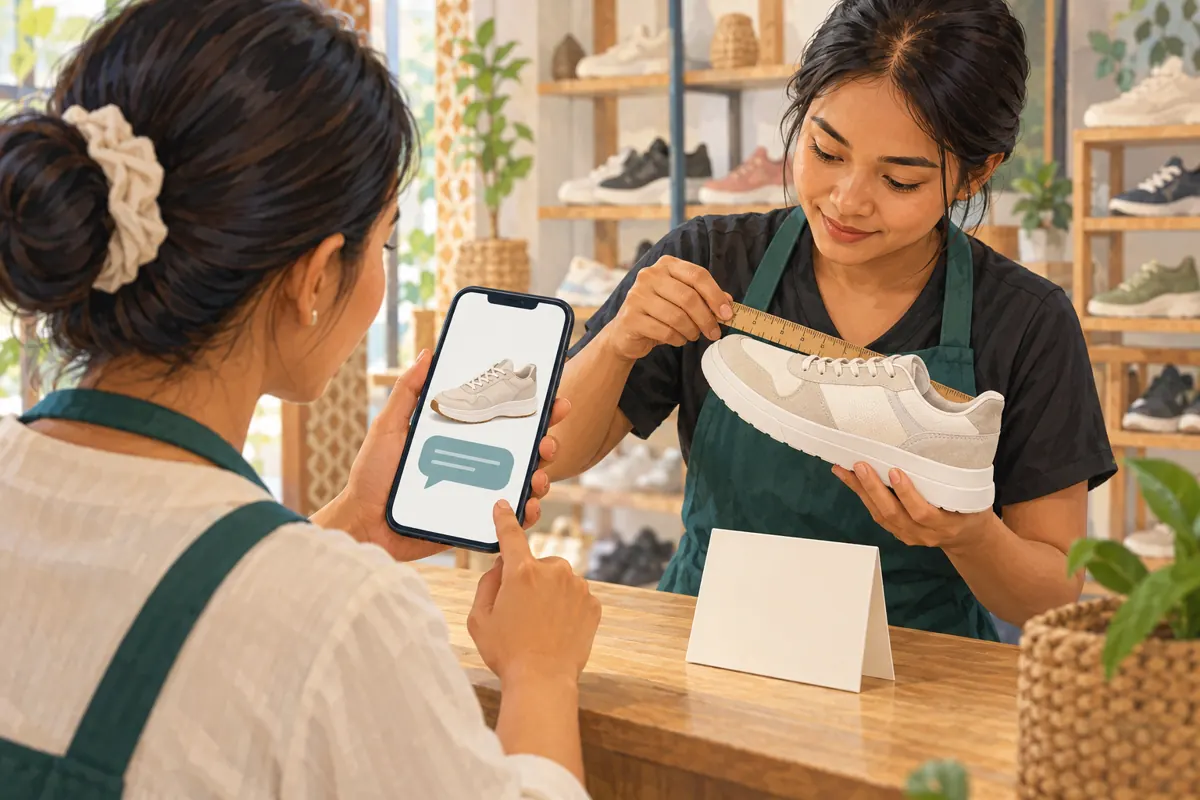
Use the actual model when explaining a chart. Do not apply one supplier’s conversion table to every shoe in the shop. Distinguish foot length from insole length if either appears in your material, and label units clearly. Where information is uncertain, ask the supplier or offer an in-person fitting instead of inventing a conversion. Avoid promises that a measurement alone guarantees comfort: shape, width and personal preference can still affect the customer’s decision.
5. Make the guide usable for Cambodian customers
Choose the language from the people the shop serves. A business receiving most sizing questions in Khmer should prepare customer-facing guidance in clear Khmer, even if internal planning notes use English. A shop serving several language groups can prepare separate, consistently labelled versions. Keep model identifiers unchanged across them so staff can connect a message to the correct product.
Give each frame one task and keep the product detail visible. A close view of the model label is more useful than a decorative collage when identification is the problem. Explain unfamiliar sizing abbreviations instead of assuming everyone uses the same system. Review the guide on a small phone with sound muted, then listen to any spoken explanation. Essential information should remain understandable when someone cannot hear the audio or has difficulty reading a crowded frame.
6. Assemble the collection and check the viewing experience
Prepare and review the Stories before selecting them for the Highlight. In the app’s available Highlight controls, choose the relevant material, give the collection an understandable name, and select a cover that signals its purpose. A straightforward sizing label and a recognisable shoe or ruler image are useful editorial choices. Avoid decorative names that require visitors to guess what is inside.
Play the saved collection from beginning to end. Confirm the sequence actually displayed rather than relying on your planning sheet. Remove repeated introductions, irrelevant sale announcements and frames that depend on missing context. Ask a colleague using an account permitted to view the Stories to check the customer experience. They should be able to find the guide, identify its scope and explain the next step without assistance. If the feature is unavailable, provide the same guidance in an ordinary post and direct enquiries there.
7. End with an enquiry staff can answer
The closing frame should request only useful starting information. For this scenario, that might be the model code or product screenshot, the labelled size the customer normally uses, and the measurement requested by the model’s verified chart. Explain that staff will check current availability and discuss the next step. Do not ask for a delivery address or payment evidence merely to answer a sizing question.
A hypothetical closing instruction could say: “Send the shoe photo and tell us which size system you are using. If you measured your foot, include the measurement and unit. We will check the model and available options.” Staff can then clarify uncertainty before discussing collection or delivery. Keep reservation language separate: reading the guide or sending a question should not be described as securing stock unless the shop has actually confirmed a reservation with the customer.
8. Decide whether an SMM service addresses this problem
The supplied public catalogue includes “Instagram Followers ~ 𝗛𝗶𝗴𝗵 𝗱𝗿𝗼𝗽𝗽𝗲𝗱 ~ Max 500k ~ 100k/days ~ Instant ~ 𝐍𝐎 𝗥𝗘𝗙𝗜𝗟𝗟”. Its title identifies a follower service, but the brief supplies no description. The remaining wording is catalogue language, not verified evidence about delivery, account quality or suitability. Nothing supplied establishes a service that creates, organises or maintains Highlights.
For this workflow, buying followers does not solve missing sizing information. Purchased engagement is not evidence of genuine interest, sales, advertising delivery or Cambodian users. Meta has also documented action against services providing fake Instagram engagement; a panel listing should not be treated as platform approval. See [Meta’s account of action against inauthentic Instagram engagement](https://about.fb.com/news/2019/04/preventing-inauthentic-behavior-on-instagram/). The sensible decision here is to improve the guide and enquiry process first, and decline a service whose function does not match the business problem.
9. Review usefulness through real questions
Choose a modest review period that fits the shop’s workload. During that period, note whether genuine enquiries identify the model, whether customers confuse measurement types, and which explanation staff still repeat. Record themes without copying unnecessary personal details. A voluntary question such as “Was anything unclear in the size guide?” can reveal a specific editing task.
Interpret these observations cautiously. A shopper mentioning the Highlight supports the conclusion that they used it; it does not prove the Highlight caused a sale. More complete questions may make a conversation easier, but stock, price, fit and service still matter. Keep any panel order records separate from these observations. If customers continue asking where the chart is, improve its visibility. If they find it but misunderstand it, revise the explanation rather than adding more promotional material.
10. Maintain the guide and avoid common mistakes
Assign one person to check the collection after supplier changes, revised shop policies or product discontinuations. Keep a short note recording the affected frame, the source of the corrected information and who reviewed it. When a Story becomes inaccurate, remove it from the collection and prepare a corrected replacement. Watch the complete Highlight again so the repair does not leave a confusing gap.
Common mistakes include copying a generic size chart, adding every new shoe to the same guide, leaving expired offers between instructions, and treating attractive covers as evidence of usability. Another is answering every message with “read the Highlight” when someone needs individual help. Use the guide to support conversation, not dismiss it. Before the next promotional post, check that the products shown, the sizing reference and the shop’s reply all describe the same available options.
Frequently asked questions
Should every shoe model have its own Highlight?
Only when separate collections make the guidance easier to navigate and the shop can maintain them. Start with a general explanation of model identification and enquiries. Add model-specific material where sizing differences justify it. A large set of neglected collections can be harder to use than a small guide with a clear route to staff assistance.
What if an old sizing Story contains a mistake?
Remove the inaccurate Story from the public collection and prepare a corrected version based on verified product information. Check the surrounding sequence as well. If staff know that a customer relied on the wrong detail, address that specific misunderstanding directly rather than assuming a new Story will reach them.
Can one chart cover sandals and trainers from different suppliers?
Do not assume it can. Match each chart to the product information the supplier provides and explain what its measurements represent. If you cannot verify a conversion, say so and offer another way to assess fit. A clean-looking chart is not useful when its relationship to the shoe is uncertain.
Does a larger follower count show that the sizing guide works?
No. A follower total does not establish that people found, understood or used the guide. Look for specific voluntary feedback and clearer product enquiries. Even those observations have limits: they help identify communication problems but do not establish that the Highlight caused purchases or reached a Cambodian audience.
Explore the current service catalogue, create an account, or ask a specific question through support tickets.
- Meta: Introducing Highlights and Archive to Instagram Stories
- Meta: Preventing Inauthentic Behavior on Instagram
Prepared with AI assistance. Illustrations explain the workflow and do not represent customer results.