21/10/2026 18:51
Which Catalogue Channels Belong Together? Telegram Shared Folders for Cambodian Lighting Shops

A customer looking for a desk lamp should not need to collect several unrelated Telegram links before discovering the right catalogue. Yet sending every shop channel at once can create a different problem: the buyer receives pendant lights, wholesale announcements and installation discussions when only one product category matters. A carefully selected shared folder can make several useful catalogues easier to find. For Cambodian lighting businesses considering social media promotion or an SMM panel, the practical question is which channels deserve to travel together. This guide explains how to choose them, check the customer journey and maintain the collection without treating membership as evidence of buying intent.
1. Decide whether a folder solves an actual shopping problem
Start with the question customers bring to the counter. Someone furnishing an apartment might compare desk lamps, wall lights and pendants across several existing catalogues. A person replacing one broken shade probably needs a direct product reference. Use a folder when several channels support the same shopping task; send a direct channel or post link when the request is narrow.
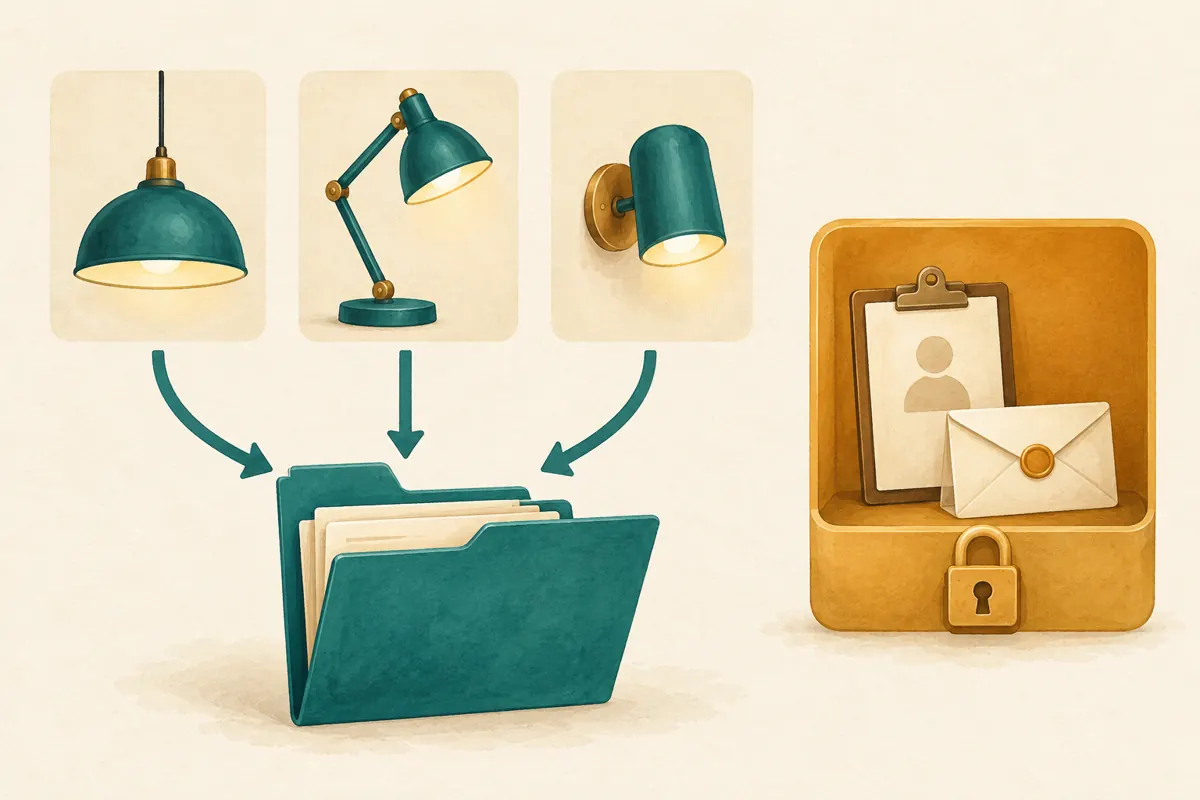
In a hypothetical Phnom Penh lighting shop, staff maintain separate public channels for portable lamps, ceiling fixtures and wall lights. Customers repeatedly ask where the other categories are. A shared collection could help these customers browse. The same shop should not create extra channels merely to fill a folder. Every additional catalogue needs current information, recognisable products and someone responsible for answering questions.
2. Understand what the invitation actually offers
Telegram’s official announcement explains that shared folders collect chats behind one invitation link. A folder can have different links containing different selections. Eligible chats include public chats and chats where the creator has the necessary invitation rights. The supporting announcement is https://telegram.org/blog/shareable-folders-custom-wallpapers.
Treat the invitation as a choice to join a collection. Explain the contents before asking someone to open it. For the hypothetical lighting shop, a useful introduction would say that the collection contains portable lamps, ceiling fixtures and wall lights, with product questions handled through the contact shown in each catalogue. Avoid vague promises such as complete home solutions if installation, delivery or product compatibility still require a separate discussion.
3. Build a public catalogue list before touching settings
Write down each candidate channel, its purpose, its public address and its content owner. Then inspect recent posts. Does the channel still carry the advertised category? Are discontinued products clearly identified? Does it contain private customer photographs or internal pricing discussions? A recognisable name alone is insufficient evidence that a channel is suitable for public promotion.
Keep staff coordination, supplier negotiations and individual order information outside the proposed customer collection. Even where sharing is technically possible, it may be inappropriate. Telegram’s folder guide warns that folder invitations can allow direct joining of included chats that normally require join requests. For this workflow, choose only channels deliberately prepared for unrestricted catalogue browsing. Permission to invite people should never substitute for an editorial decision about what they should see.
4. Give each channel a distinct job
Define category boundaries using distinctions customers understand. Portable lamps could contain movable desk and bedside models; ceiling fixtures could contain suspended and ceiling-mounted products. If the same product appears in several catalogues, keep its model reference and availability explanation consistent. Otherwise, a folder simply puts contradictory information closer together.
Make the opening information useful for Cambodian enquiries. Explain the pickup location, whether delivery needs a separate quote, and whether a displayed price covers the fixture alone or additional components. Where customers use Khmer, have a fluent reviewer check the customer-facing wording. Preserve genuine model names so staff can identify the item. Do not infer electrical suitability from a photograph; refer technical compatibility questions to verified product specifications and qualified staff.
5. Create and inspect the customer invitation
Telegram’s guide directs users to Settings > Chat Folders to create a folder and select chats. For sharing, choose chats explicitly rather than using chat-type filters. Open the folder’s sharing controls, select the intended channels and inspect the invitation. Individual user chats and bots cannot be shared through this mechanism. The guide is https://telegram.org/tour/chat-folders.
Use a short collection name that describes the shopping task. In this hypothetical example, Home Lighting Catalogues is more useful than a temporary campaign slogan. Keep a working record of the selected channel addresses and the person who reviewed them. This record helps a colleague compare the intended collection with the actual invitation before placing its link in promotional material.
6. Test the route with a willing colleague
Ask a colleague to open the invitation using their own Telegram account, with their agreement. Give them a realistic task: find a portable reading lamp and identify how to ask whether the shown finish is available. Do not explain the route while they test it. Watch where they hesitate, then ask which channel name or product detail caused uncertainty.
Check the invitation preview, the included channels and the contact route. The test should stop before any real order or payment. If the colleague reaches the correct catalogue but cannot identify the model, improve the product post. If they choose the wrong channel, revise category names. If they cannot find whom to contact, repair that information before increasing promotion. A working link is only one part of a usable shopping journey.
7. Match promotional posts to the collection
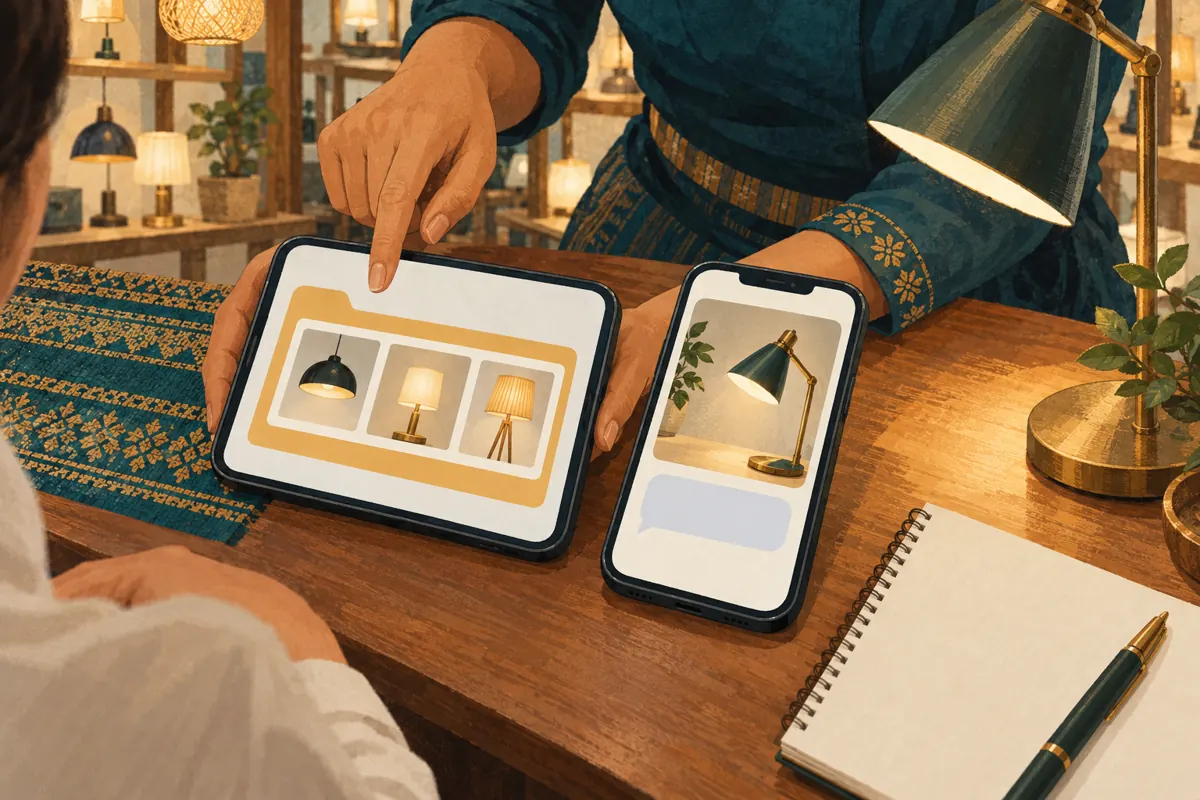
Introduce the folder where browsing several categories makes sense: a showroom overview, a room-lighting inspiration post or a conversation with someone comparing fixtures. A post about one replacement component should normally point to that component’s explanation. Sending all traffic through the folder adds unnecessary decisions for people who already know what they need.
Write the invitation around the reader’s next action. A hypothetical caption could say: Browse our separate lamp and fixture catalogues, then send the model reference from the item you want to discuss. Add any relevant availability qualification nearby. Avoid describing the collection as a reservation system. Finding a product, joining a channel and receiving confirmation that stock is held are separate events.
8. Review SMM services against the real destination
The supplied khmer-social.com catalogue includes the exact listing “🇺🇸 Telegram Members ~ USA ~ 50k/days ~ Instant ~ 𝐍𝐎 𝗥𝗘𝗙𝗜𝗟𝗟”. Its title identifies a Telegram member service, but the supplied description is empty. The title’s geographic, speed and delivery wording should not be treated as verified evidence. It does not establish support for shared-folder invitations or suitability for Cambodian lighting customers.
A folder invitation and an individual channel address are different targets. Do not submit the folder link to a member service unless its current documented requirements explicitly support that input. Ask what destination is accepted, what is delivered and what limitations apply. If those answers are missing, leave the request unsubmitted. Do not assume that one request covers every channel included in a folder.
Purchased engagement is not evidence of genuine interest, sales, ad delivery or Cambodian users. It also cannot demonstrate that customers found the correct lamp. For a business whose immediate problem is confusing catalogue navigation, clearer channel names and a tested enquiry route are more directly relevant. No service name establishes official Telegram affiliation, and a panel listing does not establish compliance with platform rules.
9. Maintain the invitation when the catalogue changes
Telegram explains that adding a channel to your own folder does not automatically share it with people who used the invitation. Updating the relevant invitation link can prompt those users to join newly included chats. Review the customer-facing selection whenever a category is added; do not assume your personal folder and the shared collection remain identical.
Suppose the hypothetical shop introduces an outdoor-lighting catalogue. Before including it, check that its posts explain intended product use using verified specifications, that availability information is current and that enquiries have an owner. Then review the invitation and the promotional wording together. Assign one person to maintain a dated list of shared channels. Recheck that list when staff responsibilities, channel names or product categories change.
10. Review useful outcomes and avoid common mistakes
Keep a simple enquiry log containing the product category, whether the customer supplied a usable model reference, and any navigation problem they mention. Ask how they found the catalogue only when it fits naturally into the conversation. Record unknown sources as unknown. These observations help identify unclear content without pretending that every enquiry can be attributed to a particular promotional link.
Store any SMM order records separately from this customer log. A delivery status describes the service transaction; a customer’s specific question describes an enquiry. Neither establishes a completed sale. Do not use member totals as a reason to call one catalogue more trusted, or invent a success percentage from a few informal tests.
Common mistakes include bundling unrelated categories, maintaining duplicate product posts with conflicting details, and showing staff the creator’s folder instead of testing the actual invitation. Another is promoting an empty new channel before it can answer basic questions. Correct the specific problem first. Keep the collection small enough that its purpose is obvious and every included catalogue remains useful.

Frequently asked questions
Should a small lighting shop split one catalogue into several channels?
Only if the categories create a real browsing benefit and staff can maintain them. A single clear catalogue may be easier for both customers and the shop. Review actual questions first: if people can already find products and send usable references, creating several channels may add work without resolving a problem.
Can we include a supplier’s public channel in our customer folder?
Technical eligibility does not make it a good recommendation. Review whether the supplier’s stock, prices and contact instructions could be mistaken for your own offer. For this shop-focused workflow, include channels your team can explain and maintain. If you recommend an external resource separately, identify its owner and clarify that its offers are not automatically your shop’s offers.
Does accepting the folder invitation reserve a lamp?
No. Joining catalogue channels does not communicate a specific purchase request or confirm stock. Give customers a clear enquiry route and ask for the model reference. Staff should confirm availability, relevant specifications, price and collection or delivery arrangements before describing an item as reserved.
What should we do if an SMM service asks for a link but gives no target instructions?
Pause the request and seek clarification through the provider’s normal support route. Specify that you have both a shared-folder invitation and individual channel addresses, and ask which destination the service accepts. Do not test an uncertain input with a paid order or infer compatibility from a broadly worded service title.
How can we tell whether the shared folder is worth maintaining?
Look for repeated practical evidence: customers can locate the correct category, identify products and reach the right contact without staff resending several links. Also consider the maintenance burden. If the collection remains confusing or most enquiries concern one channel, simplify the route. These observations support an operational decision; they do not prove that a membership increase caused sales.
Explore the current service catalogue, create an account, or ask a specific question through support tickets.
Prepared with AI assistance. Illustrations explain the workflow and do not represent customer results.